How Touch Typing Works: The Science and Technique Behind Efficient Keyboard Use
The Fundamental Mechanics of Touch Typing
Touch typing is a skill that transforms how people interact with computers, allowing for dramatically increased speed and accuracy while typing. But how exactly does this technique work, and what happens in our brains and bodies when we master it? This article explores the mechanics, methodology, and neurological processes that make touch typing possible.
At its core, touch typing works through a systematic approach to keyboard interaction that relies on muscle memory rather than visual guidance. Here's how the basic mechanics function:
Home Row Positioning
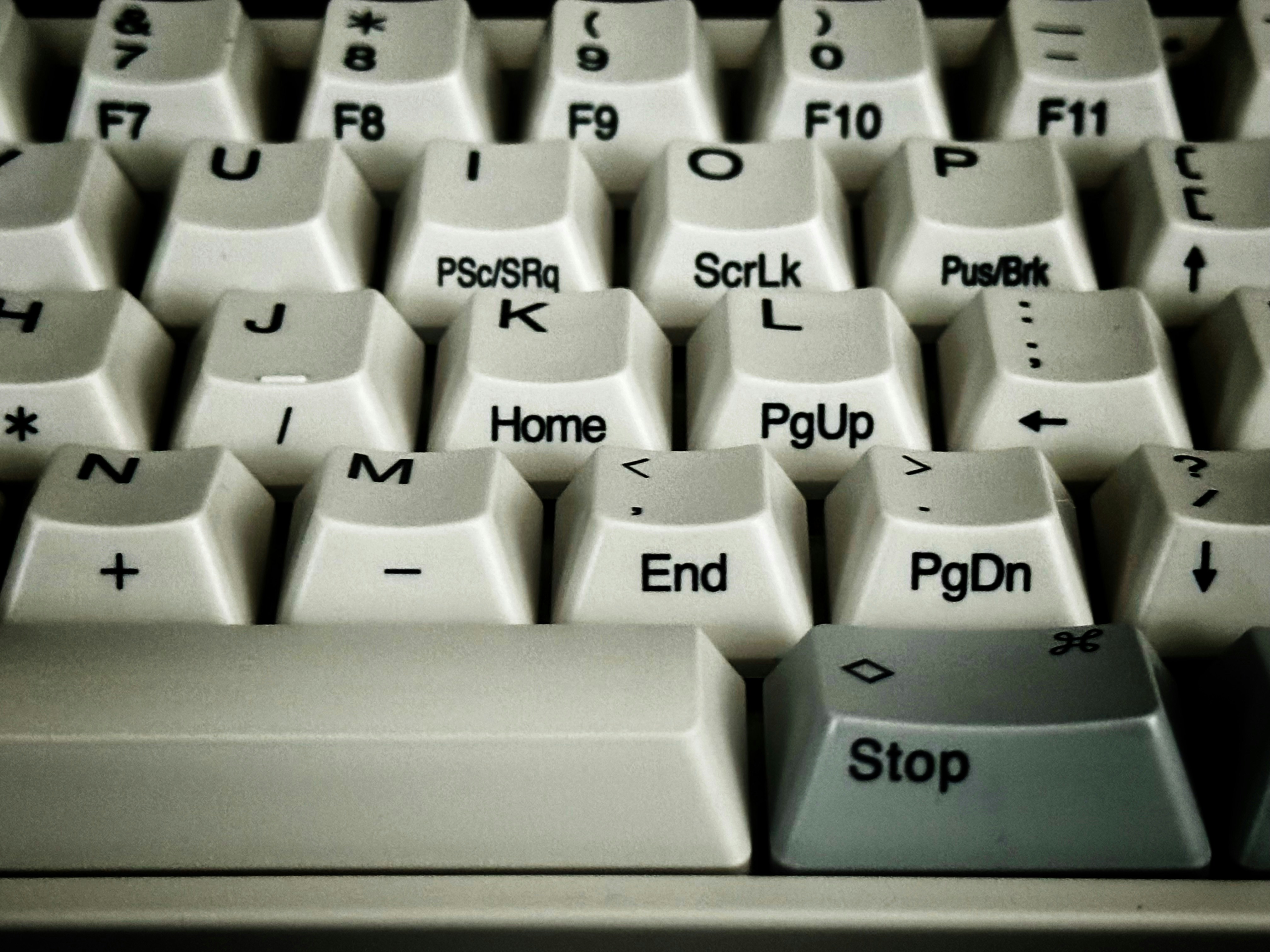
Touch typing begins with the proper placement of hands on what's called the "home row" of keys:
- Left hand fingers rest on A, S, D, and F
- Right hand fingers rest on J, K, L, and semicolon (;)
- Both thumbs hover over the spacebar
This home position serves as the anchor from which all typing movements begin and end. Each finger is responsible for striking specific keys in its vicinity, creating a standardized map of finger-to-key relationships.
Finger Responsibility Zones
Each finger has designated keys to press:
- Index fingers handle F, G, R, T, V, B (left) and J, H, U, Y, N, M (right)
- Middle fingers manage D, E, C (left) and K, I, comma (right)
- Ring fingers control S, W, X (left) and L, O, period (right)
- Little fingers operate A, Q, Z, Shift, Ctrl (left) and semicolon, P, slash, Shift, Enter (right)
This division of labor distributes the workload evenly across all fingers, minimizing strain and maximizing efficiency.
Eyes on Screen, Not Keyboard
A defining characteristic of touch typing is that the typist maintains visual focus on the screen or source material rather than looking down at their hands. This unbroken visual connection with the content allows for:
- Continuous reading and processing of information
- Immediate error detection
- Uninterrupted thought flow from brain to text
The Neurological Processes Behind Touch Typing
Touch typing works because of remarkable neurological processes that transform conscious actions into automatic ones. Here's what happens in your brain when you touch type:
Procedural Memory Formation
Touch typing relies on procedural memory—the same memory system that helps us ride bicycles or play musical instruments without conscious thought. When learning to touch type:
- Initial typing attempts require intense concentration and conscious effort
- With repetition, the brain begins to form neural pathways that encode finger movements
- Eventually, these pathways become so efficient that typing requires minimal conscious input
This transition from declarative knowledge ("the J key is under my right index finger") to procedural knowledge (automatically hitting J without thinking) is what makes touch typing work.
Chunking and Pattern Recognition
As touch typing skills develop, the brain begins to recognize patterns in common letter combinations and words. This process, called chunking, allows typists to:
- Process groups of letters rather than individual keystrokes
- Anticipate upcoming finger movements
- Execute complex sequences as single motor programs
For example, experienced touch typists don't think about the individual letters in "the"—their fingers automatically execute the familiar pattern as one fluid motion.
Dual-Processing Advantage
Touch typing works efficiently because it separates cognitive processes:
- Language formulation occurs in the prefrontal cortex and language centers
- Typing execution happens through motor cortex and cerebellum pathways
This separation allows typists to focus mental resources on content creation while typing mechanics operate on "autopilot," similar to how experienced drivers can maintain a conversation while navigating traffic.
The Progressive Stages of Touch Typing Development
Touch typing doesn't work immediately—it develops through distinct stages that transform conscious effort into automatic skill:
Stage 1: Cognitive Stage
During initial learning, touch typing works through explicit instruction and conscious application of rules:
- Memorizing key locations
- Following finger placement guidelines
- Deliberately placing fingers on correct keys
- Frequently checking hand position
At this stage, typing is slow and error-prone because each keystroke requires conscious processing.
Stage 2: Associative Stage
As practice continues, the typist begins developing connections between letters and finger movements:
- Fewer errors occur
- Speed gradually increases
- Less conscious attention needed for basic keystrokes
- Beginning of muscle memory formation
During this phase, typing begins to feel more natural, though still requires some conscious monitoring.
Stage 3: Autonomous Stage
With sufficient practice, touch typing enters the autonomous stage where it truly "works" as intended:
- Typing occurs without conscious thought about key locations
- Attention focuses entirely on content rather than mechanics
- Speed and accuracy reach optimal levels
- Typing becomes second nature
At this advanced stage, the typist experiences what psychologists call "flow"—a state where the mechanics of typing disappear from conscious awareness.
The Physical Technique That Makes Touch Typing Work
Touch typing effectiveness relies on specific physical techniques that optimize speed, accuracy, and ergonomics:
Proper Posture and Hand Position
Effective touch typing works with:
- Straight wrists that hover slightly above the keyboard
- Fingers curved gently over the keys
- Elbows bent at approximately 90 degrees
- Back straight with shoulders relaxed
- Feet flat on the floor
This ergonomic positioning prevents strain while allowing fingers maximum mobility and responsiveness.
Keystroke Technique
The physical action of striking keys in touch typing follows specific principles:
- Keys are pressed with the pads of the fingers, not the tips
- Strikes are quick and decisive, not heavy or pounding
- Fingers return to home position after each keystroke
- Movement is economical, with minimal travel distance
This technique enables rapid typing while reducing fatigue during extended sessions.
Rhythm and Timing
Touch typing works rhythmically, similar to playing a musical instrument:
- Keystrokes maintain consistent timing
- Fingers move in coordinated patterns
- Common letter combinations develop a characteristic flow
- The spacebar creates natural pauses between words
This rhythmic quality contributes to both speed and accuracy once mastered.
Technology and Tools That Support Touch Typing
Modern touch typing works in conjunction with various technologies designed to facilitate skill development:
Keyboard Design
Standard QWERTY keyboards are specifically designed to support touch typing with:
- Tactile feedback from key presses
- Small bumps on F and J keys to help fingers find home position without looking
- Key spacing optimized for average hand sizes
- Key resistance calibrated for efficient typing
Alternative keyboard layouts like Dvorak or Colemak modify key arrangements to potentially increase efficiency but follow the same touch typing principles.
Learning Software
Touch typing learning programs work by providing:
- Progressive lessons that introduce keys systematically
- Real-time feedback on accuracy and speed
- Targeted exercises for problem areas
- Performance metrics to track improvement
These tools accelerate the learning process by guiding users through the stages of skill development.
Conclusion: Why Touch Typing Works So Effectively
Touch typing works as an efficient text input method because it harmonizes physical technique with neurological processes. By transferring the mechanics of typing from conscious thought to procedural memory, it frees cognitive resources for content creation while simultaneously increasing speed and accuracy.
The combination of standardized finger positions, ergonomic technique, and trained muscle memory creates a system where typists can produce text at speeds approaching or exceeding 100 words per minute—far faster than writing by hand or hunt-and-peck methods.
In essence, touch typing works because it transforms a series of conscious decisions ("Which key is the letter 'T'? Which finger should I use?") into a seamless, automatic process that connects thoughts directly to written text with minimal interference. If you want to improve your typing speed, try our typing test.